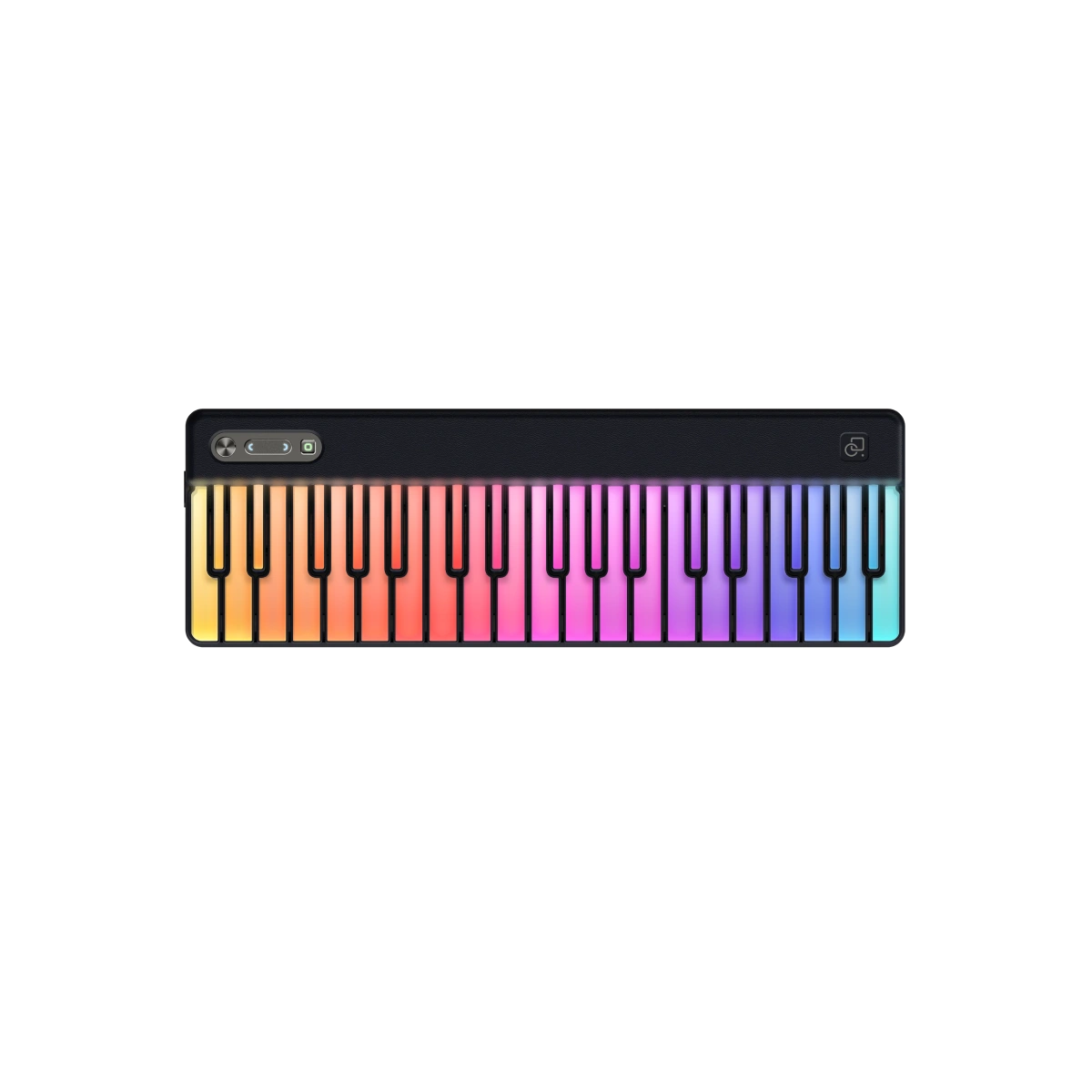
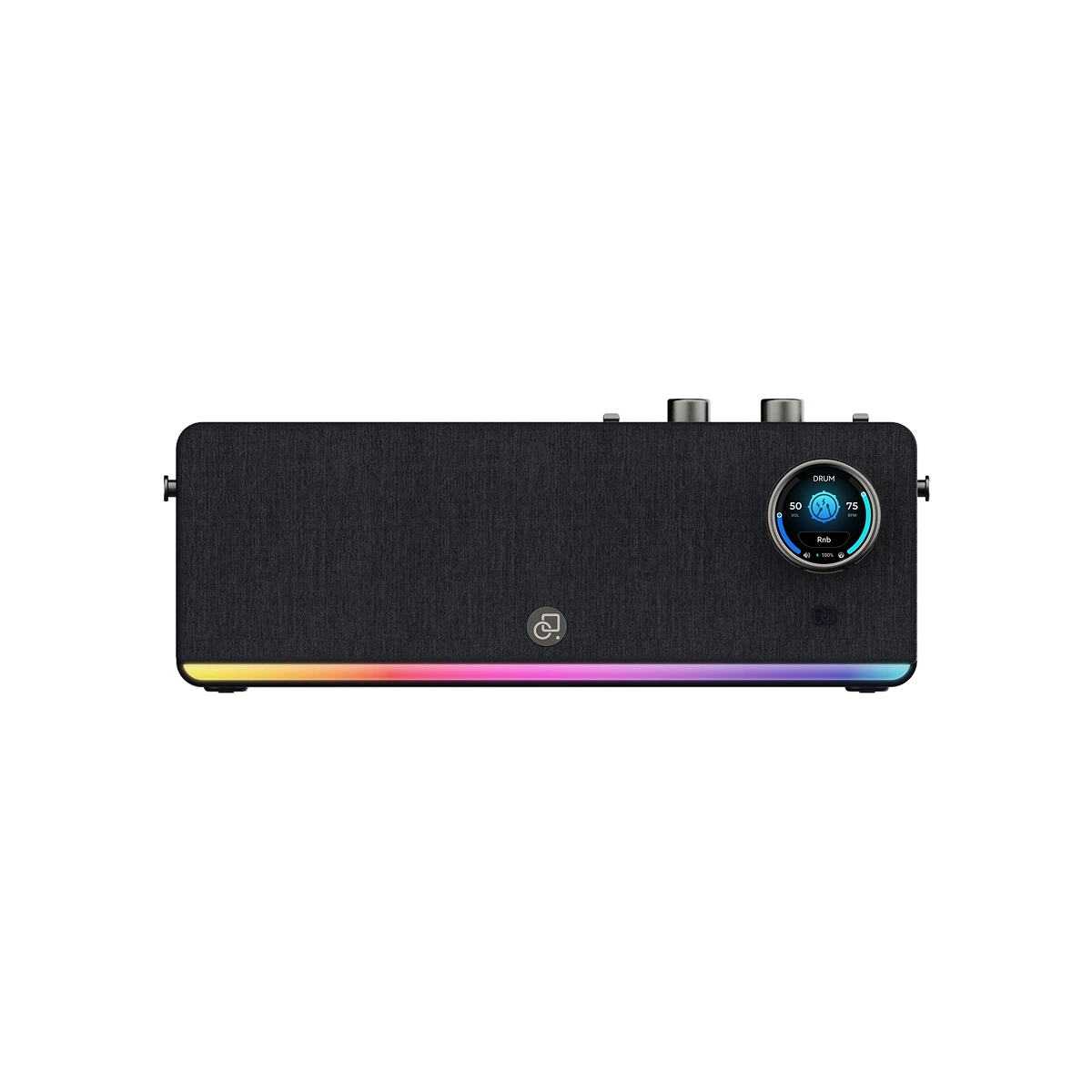
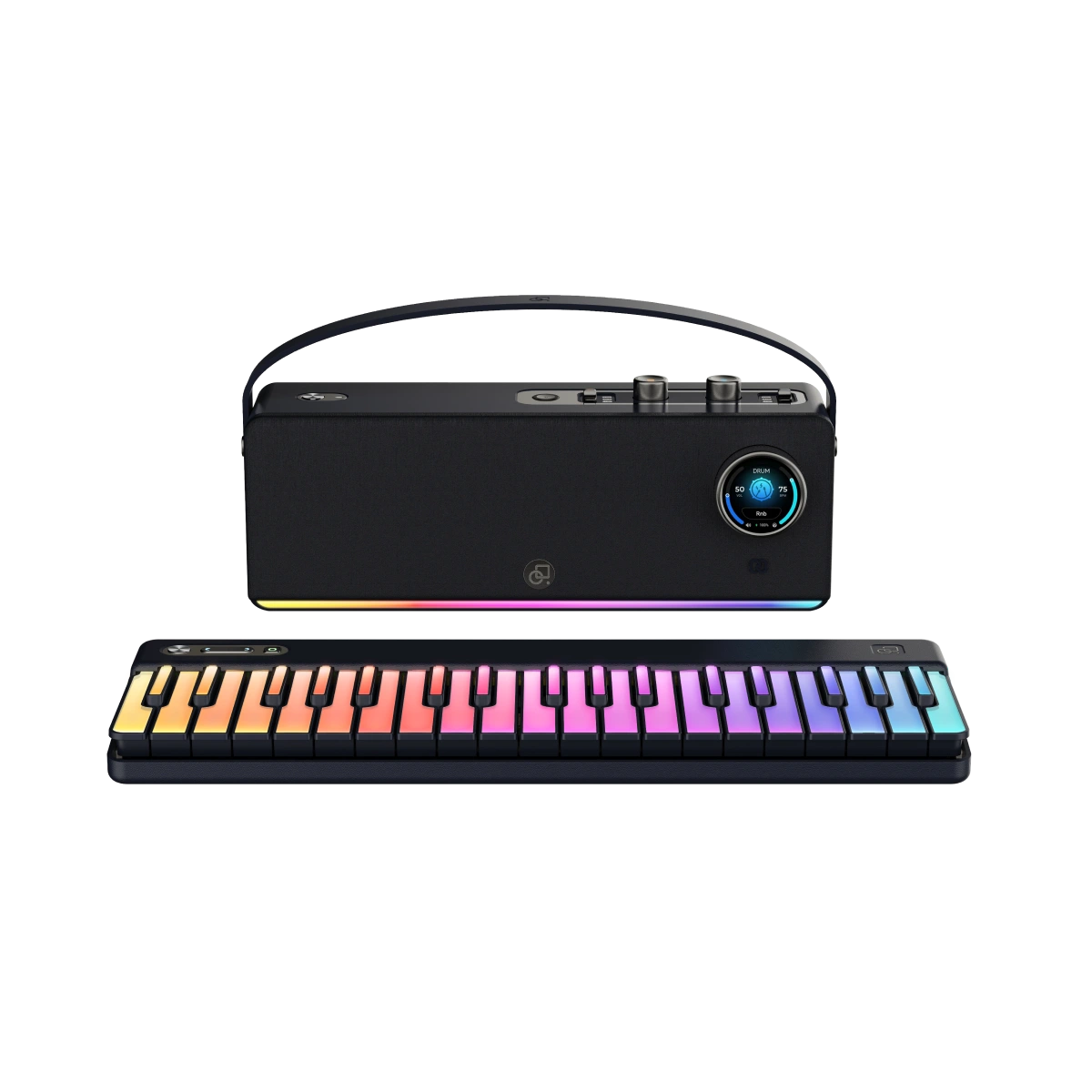
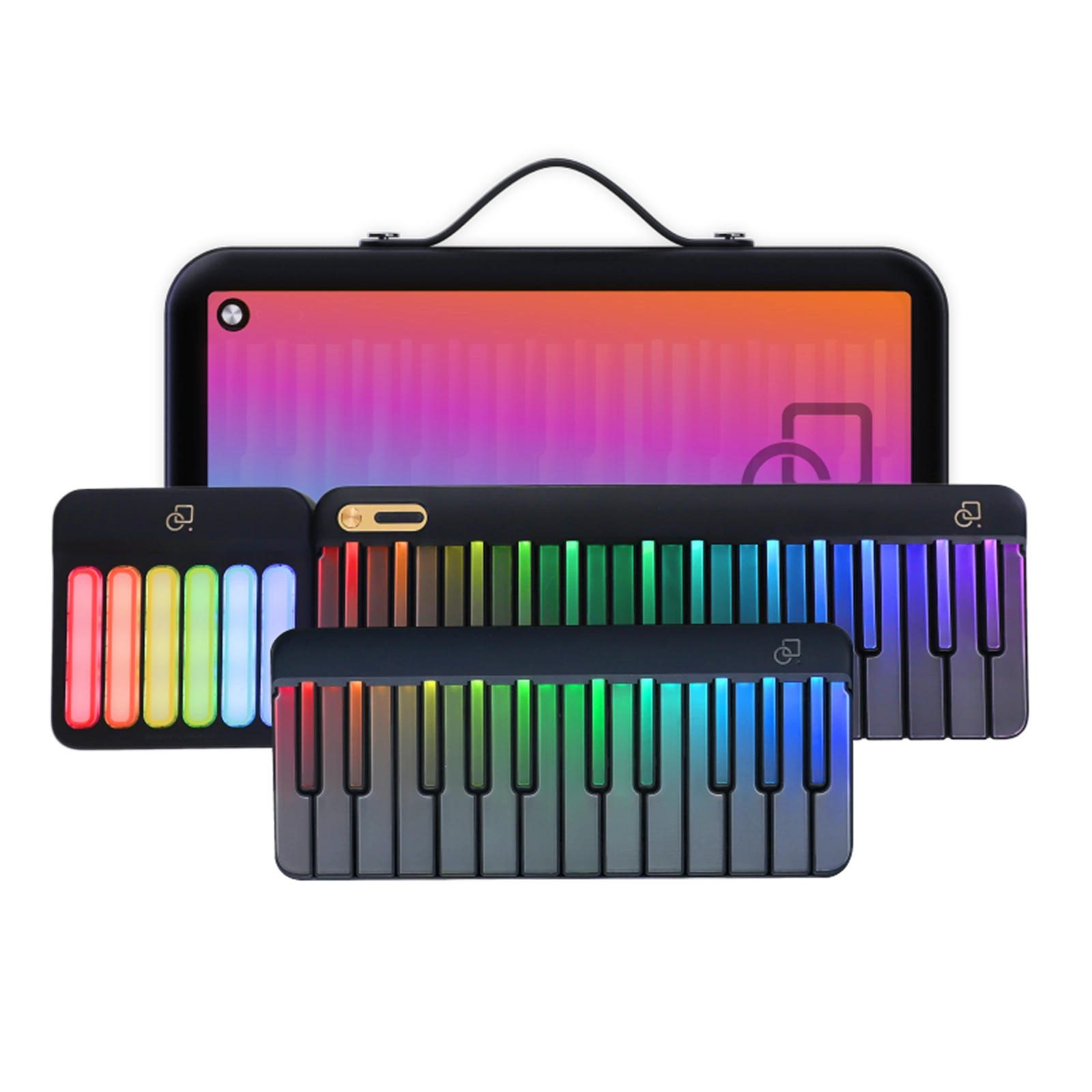
INTRODUCING PARTYKEYS × ANYTHING PIANO
Anything Piano creates the lesson. PartyKeys lights the way.
MEET ANYTHING PIANO
Ask Annie to find a song, paste a supported link, or bring in your own audio. Anything Piano turns it into an interactive piano tutorial.
Add a song your way

Currently available on iPhone and iPad.
PRACTICE WITH ANYTHING PIANO × PARTYKEYS
Follow the lesson on screen and let PartyKeys light the next note.
Choose a mode based on whether you want to learn at your own pace or practice in time with the song.
The lesson pauses until you play the correct note, then moves forward.
Keep the tutorial moving at your chosen speed and play along in real time.

HOW THEY WORK TOGETHER
Start with the song you actually want to learn.
Move from the screen to the keyboard with clear visual guidance.
One connected path from choosing music to learning it on real keys.
Connect. Create. Play.
Connect PartyKeys, let Anything Piano turn your song into a tutorial, then follow the lights and play.
PARTYKEYS PLAYER BENEFIT
Scan the code or use the link to try Anything Piano free for 30 days and start turning the songs you love into interactive lessons.
Currently available on iPhone and iPad.
New users only.
Claim Your Free Month
A quick guide to learning with Anything Piano and PartyKeys.
Connect PartyKeys to a compatible iPhone or iPad as a MIDI keyboard. Anything Piano turns your song into an interactive piano lesson, while the PartyKeys integration guides you with illuminated keys as you practice.
Yes. Paste a supported YouTube, TikTok, or Instagram link, or upload an audio file. Anything Piano creates an interactive piano tutorial from your selected song.
Wait Mode pauses until you play the correct note, so you can learn at your own pace. Play-Along keeps the tutorial moving at your chosen speed, so you can practice in time with the song.
Anything Piano is currently available for iPhone and iPad. Android and web versions are not available yet.
When the partnership offer is activated, scan the QR code in the free-trial section and follow the instructions on your iPhone or iPad.
No. PartyStudio is optional. PartyKeys can connect directly to a compatible iPhone or iPad for the Anything Piano learning flow.
START PLAYING YOUR SONG
Anything Piano and PartyKeys work together to take you from music you love to notes under your hands.