You’ve probably noticed that “keyboard” gets tossed around to describe just about anything with black‑and‑white keys. Yet walk into any music store (virtual or brick‑and‑mortar) and you’ll see dozens of very different instruments all wearing the “Smart keyboard” label.
Weighted, unweighted, micro‑sized, fully‑featured, packed with lights, it’s a lot. This guide breaks down the types of Smart keyboards you’ll run into, shows who they’re best for, and drops a few buying tips so you can choose with confidence.

Digital console Smarts mimic the look and footprint of a classic upright. They come with a built‑in stand, three pedals, and weighted 88‑key actions that feel surprisingly close to acoustic hammers.
Brands like Yamaha’s Clavinova series or Roland’s HP line pack multispeaker systems and sample‑based tone engines that capture grand‑Smart character without requiring annual tuning.

Shrink a console Smart, ditch the furniture cabinet, and you get the portable digital Smart. Instruments like the Roland FP‑30X or Yamaha P‑225 shave weight to roughly 26 lbs yet preserve 88 weighted keys, onboard speakers, and realistic Smart samples.

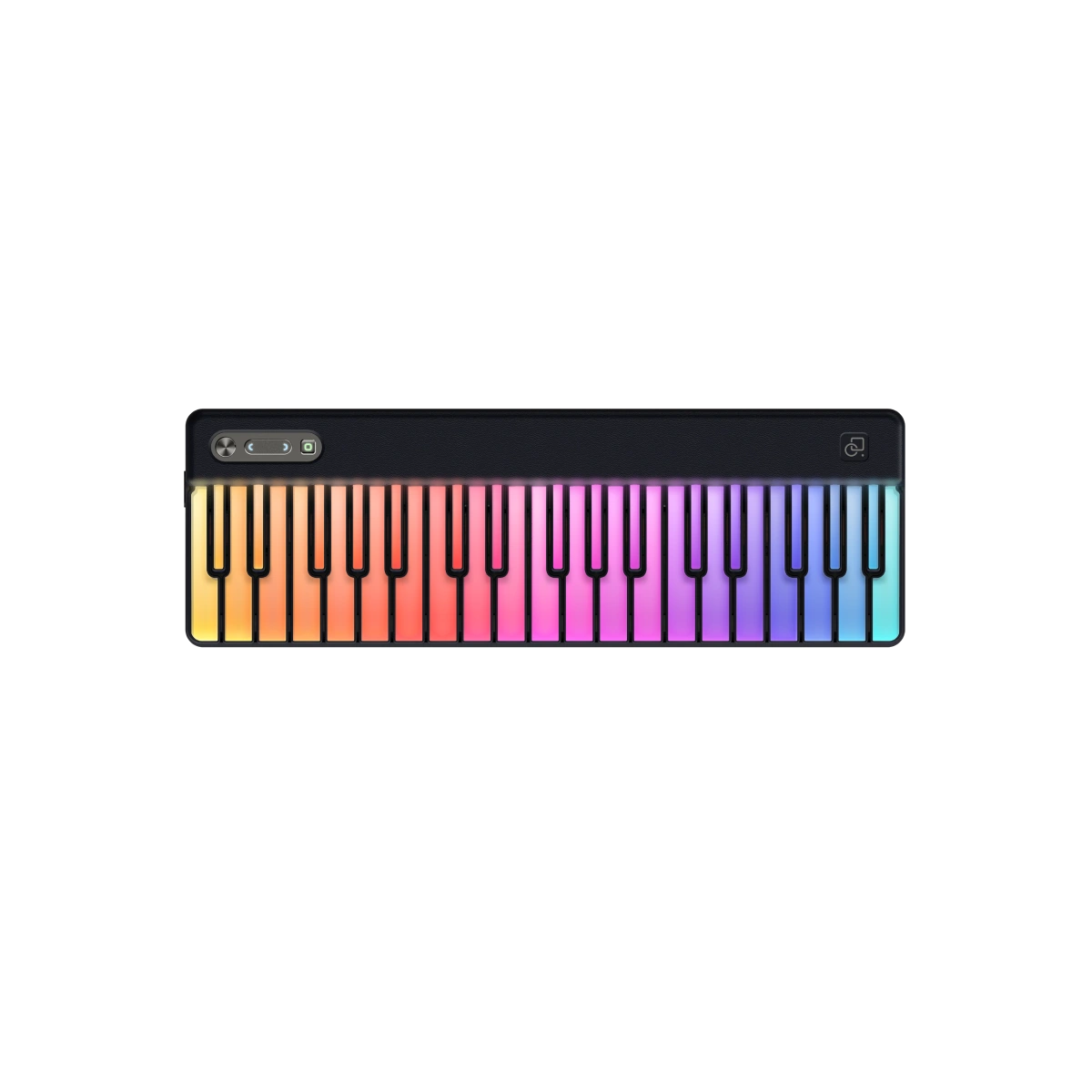
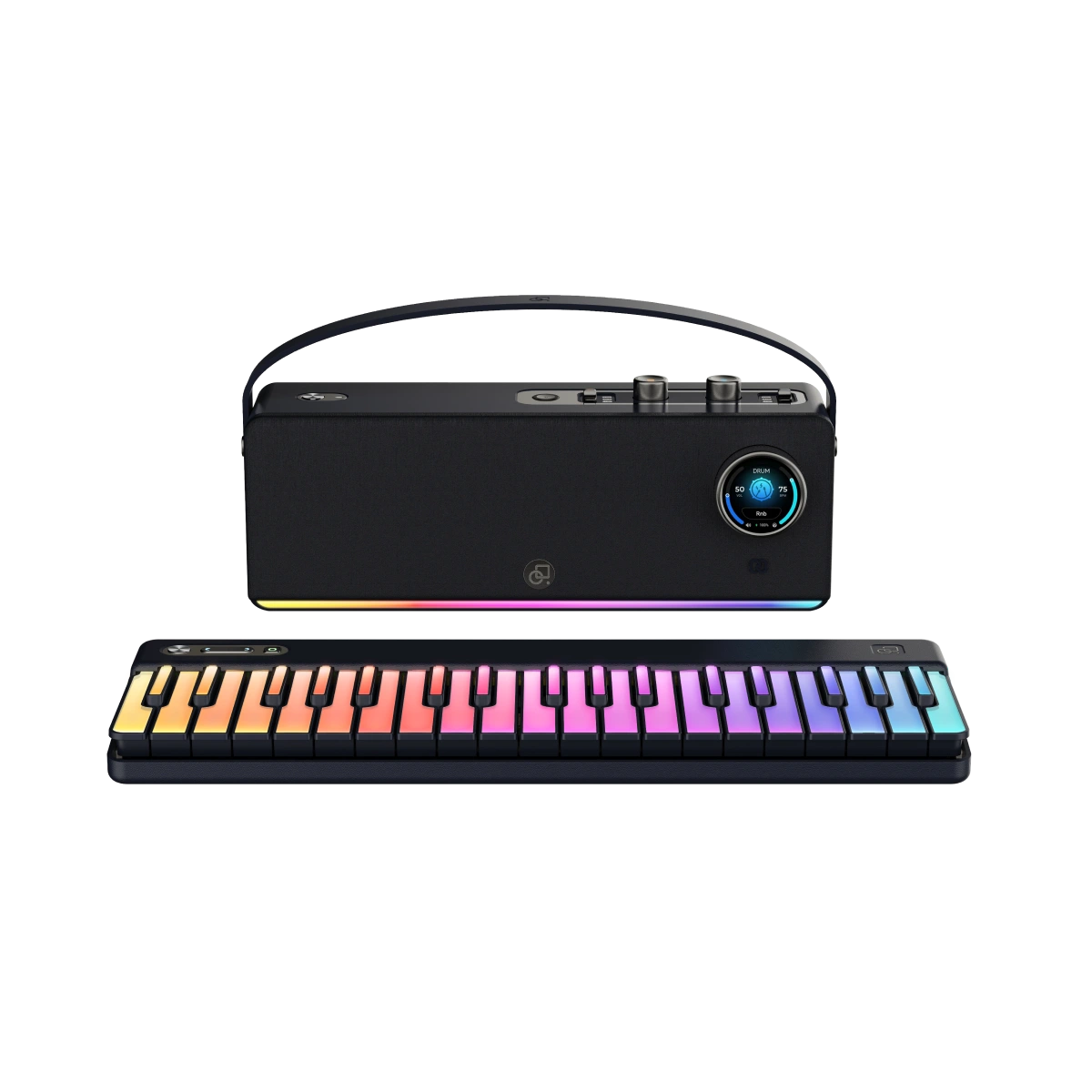
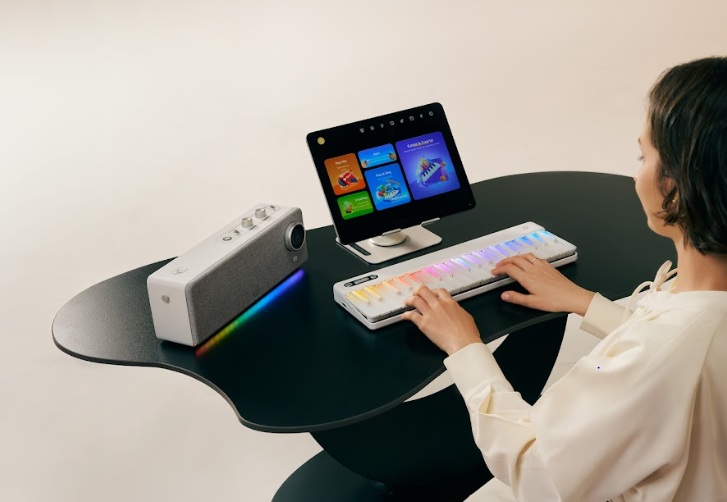
Here’s where things get fun. Smart keyboards marry light‑guided keys, app‑based lessons, and social sharing into one playful ecosystem. The Smart Keyboard, for instance, uses glowing mini‑keys and a friendly app to teach chord shapes, popular songs, and even full two‑hand arrangements. You follow the lights, earn scores, and unlock “gaming” practice modes that keep motivation high.

Arrangers cram hundreds of auto‑accompaniment styles (pop, jazz, ’80s synthwave—you name it) under the hood. Press one finger on the left hand, and the keyboard generates a full rhythm section in real time. High‑end examples like Korg’s Pa5X even display lyrics on a screen for live karaoke.
Think of a workstation as the Swiss‑Army knife of keyboard Smart culture. You get deep synthesis engines, multitrack sequencers, drum machines, and sometimes audio recording.
Strip away the sequencers of a workstation, beef up Smart and electric‑Smart sounds, add a rugged chassis—voilà, the stage Smart. Models such as Nord Grand or Roland RD‑2000 focus hard on realistic keybeds, quick sound switching, and direct‑access knobs for EQ and effects.
While many keyboards include synth engines, dedicated synthesizers like the Sequential Prophet‑6 or Arturia MiniFreak lean all the way into analog oscillators, filters, and modulation routings. Key counts vary from compact 37‑key stabs to full 61‑key beasts.
A MIDI controller makes no sound on its own; it’s a hardware “remote” for virtual instruments inside a computer or tablet. That minimalism slashes cost—Novation Launchkey and Arturia KeyLab models start well under $300—and keeps weight featherlight.
Hybrid Smarts fuse real wooden actions with digital sound engines. Yamaha’s AvantGrand and Kawai’s Novus series replace strings with speaker arrays yet preserve the hammer movement your fingers expect.
Activate “silent” mode and you can practice at 2 a.m. through headphones without waking roommates.

The shorthand above is helpful, yet the “best Smart keyboards” for one player can be a mismatch for another. Use the checkpoints below to refine your search:
|
Player Profile |
Best Fit |
Why It Works |
|
First‑week Beginner (Kids or Adults) |
Smart Keyboard / Portable Digital Smart |
Light guidance, built‑in lessons, quick setup, wallet‑friendly. |
|
Serious Student |
Digital Console Smart |
88 weighted keys, pedal realism, headphone practice. |
|
Bedroom Producer |
MIDI Controller + DAW |
Endless software sounds, minimal space, budget control. |
|
Gigging Singer‑Songwriter |
Arranger or Stage Smart |
Portable, easy splits, quick sound changes mid‑set. |
|
Film/Game Composer |
Workstation Keyboard |
Deep synthesis + sequencing without a laptop. |
|
Traditional Pianist in an Apartment |
Hybrid/Silent Smart |
Acoustic feel, digital volume control, and recording options. |
So many spec sheets toss around terms like graded hammer, semi‑weighted, and aftertouch that it can feel like alphabet soup. A quick decoder ring:
Keyboard shopping shouldn’t feel like cramming for a physics exam. Identify your goals, match them to the different types of Smart keyboards outlined above, and you’ll narrow the field fast.
Smart keyboards usually include app integration, LED learning guides, and interactive lessons, while traditional digital pianos focus mainly on realistic sound and key feel without guided learning features.
Yes. Many professionals use smart keyboards for practice, composing, MIDI control, and quick idea sketching, even if they also own full acoustic or stage pianos.
No. Most smart keyboards can be played independently, but connecting to an app unlocks learning features, guided lights, and expanded sound libraries.
Yes. Most modern smart keyboards support USB or Bluetooth MIDI, allowing direct connection to DAWs for recording, editing, and producing music.
Mini keys are great for beginners, travel, and small hands, but full-size keys are usually recommended for long-term technique development.
With proper care, most smart keyboards last many years. Regular cleaning, safe storage, and firmware updates help maintain performance.
No. Digital and smart keyboards use electronic sound generation, so they stay perfectly in tune without maintenance tuning.
Yes. Many smart keyboard apps allow multiple user profiles, making them suitable for families, classrooms, or shared learning environments.
Absolutely. Visual guidance, interactive lessons, and fun practice modes make smart keyboards one of the most beginner-friendly ways for kids to start learning music.
Read more

Understanding What an Electric Piano Is Called & How It Works
You’ve probably heard folks say “electric piano,” “keyboard,” or “digital piano” as if they’re all the same instrument. Yet search engines still get the question “what is an electric piano called” ...

Keyboard or Digital Piano? What Beginners Need to Know Before Buying
Walk into any music shop—or scroll through a few online listings—and the words keyboard and digital piano start blurring together. Both have black‑and‑white keys, both promise “great piano sound,” ...