How to Play Piano Songs on a Small MIDI Keyboard (Beginner's Guide + Smart Tools)If you think a small MIDI keyboard can’t teach you how to play real piano songs think again. With today’s smart learning tools and compact music tech, you can absolutely learn piano on a MIDI keyboard, even one with just 25 or 32 keys.
Whether you're tight on space, budget-conscious, or just getting started, a MIDI keyboard for learning piano can be a powerful and flexible solution.
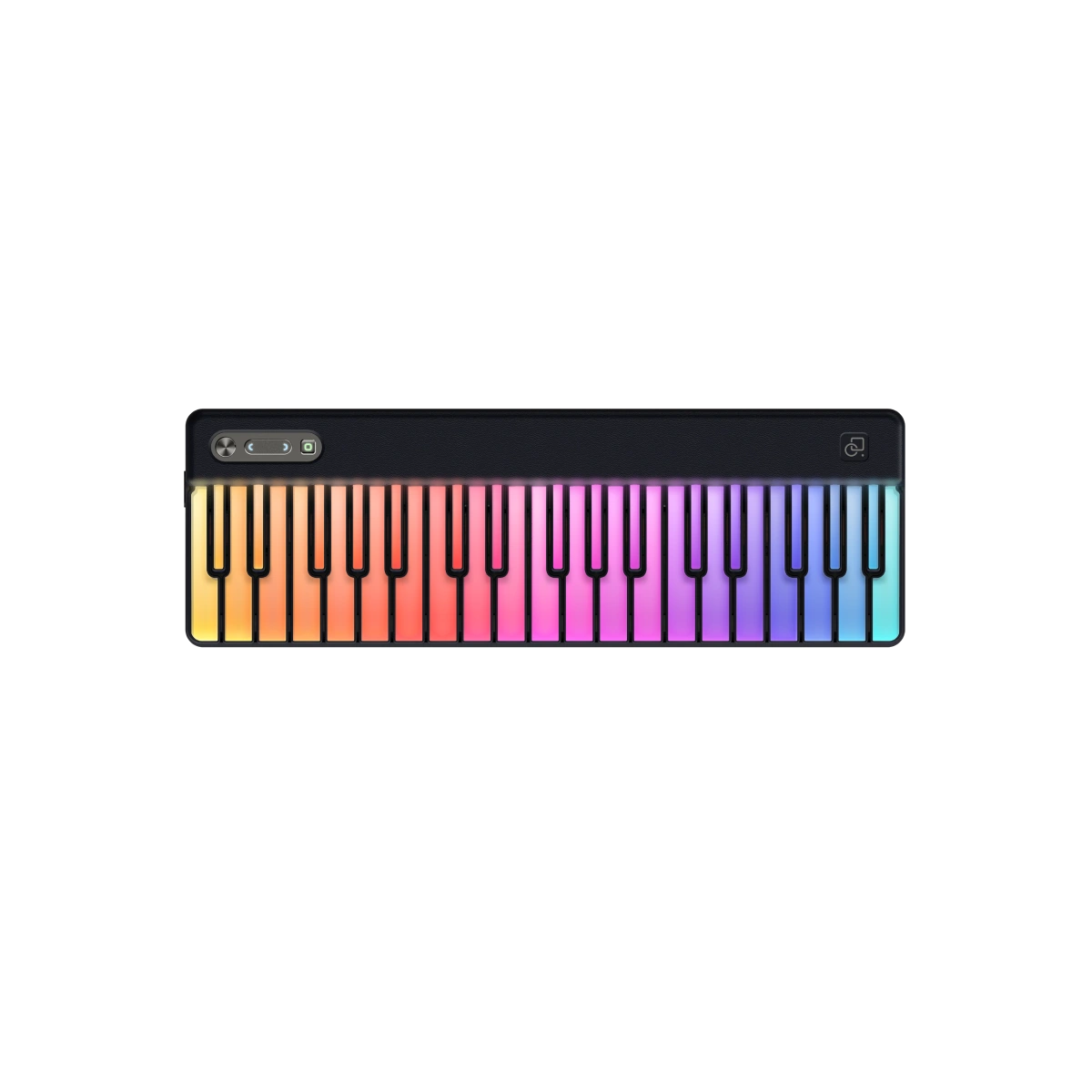
Modern apps and hardware like the PartyKeys Smart Keyboard now offer built-in lessons, light-up keys, real-time feedback, and gamified learning to help you play full songs faster than ever.

Absolutely. MIDI keyboards aren't just for music producers they're now one of the most accessible ways to learn piano, especially for beginners or people short on space.Unlike traditional acoustic pianos, MIDI keyboards send digital signals to music software or apps, allowing you to hear piano sounds, follow visual guidance, and even track your progress.
And with the rise of smart MIDI keyboards like PartyKeys, learning is more interactive than ever thanks to light-up keys, song-based practice, and real-time feedback.
Not all MIDI keyboards are created equal especially when it comes to learning piano. While many are designed for music production or studio work, others are purpose-built for learning melodies, chords, and full songs from scratch.
If you're searching for the best MIDI keyboard to learn piano, here are the most important features to look for:
This means the harder you press, the louder the sound. It helps train expressive dynamics, just like a real piano.

To make the most of a midi keyboard for learning piano, it needs to pair well with educational apps like:
Choose a keyboard that works with Bluetooth or USB MIDI, and can connect seamlessly to your phone, tablet, or computer.
Learning piano isn't just about hitting the right keys it's about forming habits, rhythm, and memory. Some MIDI keyboards now offer:
If you're learning on the go, choose a keyboard that's lightweight, durable, and easy to set up. Bonus if it includes:
A small MIDI keyboard might only have 25 or 32 keys but don’t let that fool you. You can still learn and play full songs by using smart practice techniques and the right tools.
If you’re wondering how to use a MIDI keyboard as a piano, the answer is simple: connect it to piano-learning software or a digital audio workstation (DAW), and let the app transform your MIDI input into rich, dynamic piano sounds plus real-time lessons.
Here’s exactly how to use a MIDI keyboard to play piano songs, even on a compact setup:
Your keyboard is just the controller. You’ll need a piano learning app that interprets your keystrokes and provides sound + feedback.
Start with simple melodies or three-chord progressions. Apps like 'PartyKeys break songs down into bite-sized sections so you can learn each part confidently even on a 25-key MIDI keyboard.
Don’t rush! The secret to real progress is repetition. Use loop practice to isolate a tricky phrase and slow mode to gradually build muscle memory before returning to full speed.
PartyKeys’s built-in app features let you:
Before tackling full chords or two-hand playing, get comfortable with melody lines using your right hand. As you improve:
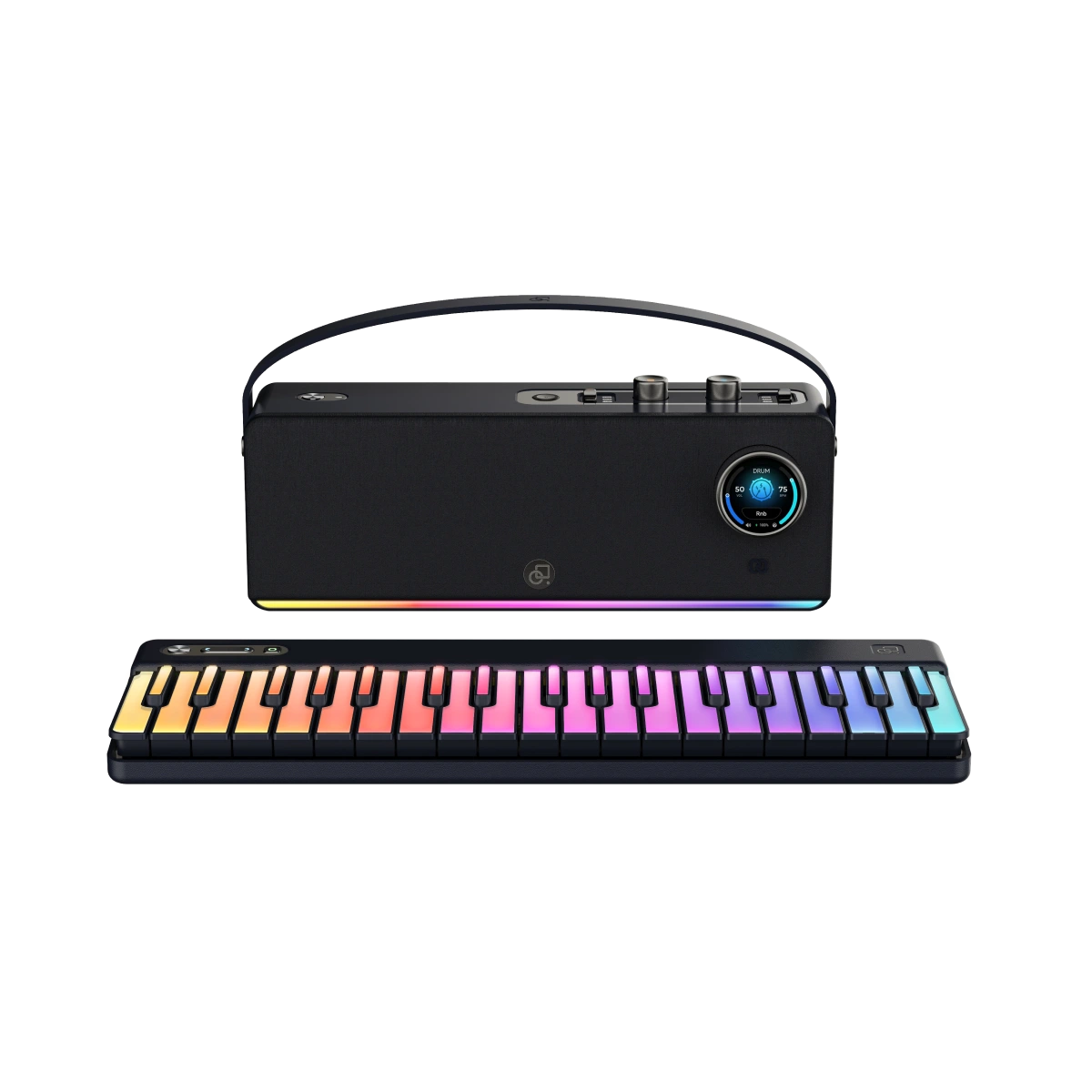
Once you're ready for more range and two-hand practice, consider expanding your setup. For example:
Choosing the best MIDI keyboard for learning piano depends on your goals, space, and budget but for beginners, especially those just starting out at home or on the go, compact keyboards are often the smartest choice.
Here’s what to consider and why PartyKeys stands out as one of the best options on the market today.
|
Feature |
Why It Matters |
|
25-Key Core Design |
Compact enough to fit any desk or dorm |
|
Light-Up Keys |
Visual learning system that shows you what to play |
|
'PartyKeys App Sync |
Built-in lessons, popular songs, and real-time feedback |
|
Magnetic Expansion Board |
Adds 24 more keys when you're ready for two-handed play |
|
Game-Like Practice |
Motivates daily use and builds confidence |
|
Bluetooth MIDI |
Wireless connection no cables needed |
If you're comparing other options on the market, here are a few compact models often recommended for new learners:
|
Model |
Key Count |
Notes |
|
Alesis V25 MKII |
25 |
Budget-friendly, no built-in learning tools |
|
Akai MPK Mini MK3 |
25 |
Great for music production, less ideal for piano learners |
|
M-Audio Keystation Mini 32 |
32 |
Lightweight, plug-and-play, basic layout |

Once you have your MIDI keyboard set up, the next essential tool is software. The right learning platform will turn your small MIDI keyboard into a full-featured piano training system with interactive lessons, real-time feedback, and song-based practice.
Whether you’re using a 25-key controller or a smart system like PartyKeys, these MIDI piano learning software options will help you get the most from your setup.
Designed specifically for PartyKeys, this app offers:
Melodics is a desktop app that teaches:
If you’re interested in sight reading and classical training, Piano Marvel provides:
You don’t need a grand piano or even a full-sized digital one to start learning piano today. With the right MIDI keyboard, a learning app, and some focused practice, you can begin playing real songs even on a 25-key setup.
Smart tools like the PartyKeys Smart Keyboard are changing how we learn music. With light-up guidance, Bluetooth MIDI, and a built-in song-learning system, PartyKeys makes it easier (and more fun) to stay consistent, build real skills, and grow at your own pace.
Yes! While you won’t have the full range of a traditional piano, a 25-key MIDI keyboard is more than enough for learning melodies, basic chords, and full songs especially with software like 'PartyKeys that offers light-up guidance and smart practice tools.
A MIDI keyboard doesn't produce sound on its own it sends signals to a device or app to generate piano tones. A digital piano has built-in sounds and speakers. MIDI keyboards are more flexible and affordable for learning when paired with the right software.
Top beginner-friendly options include:
Yes. Even with 25–32 keys, you can play full songs by using octave shift, looping small sections, and focusing on melody + basic chords first. Many beginners learn complete songs this way.
Not always. Many modern MIDI keyboards can connect directly to a phone or tablet using Bluetooth or USB, letting you use learning apps without a full computer setup.
Yes. Velocity sensitivity helps you control dynamics (soft vs loud playing), which is an essential part of piano technique and musical expression—even at beginner level.
Start by practicing hands separately. Then combine simple left-hand root notes with right-hand melodies. As your skill grows, you can use octave shift or expand your keyboard range.
Yes, if your sound source (app, audio interface, or speaker module) supports headphones. This allows quiet practice anytime, which is ideal for apartments or shared spaces.
Consider upgrading when you frequently run out of key range, begin learning more complex two-hand pieces, or want a more piano-like playing feel. Many learners start small and expand later.