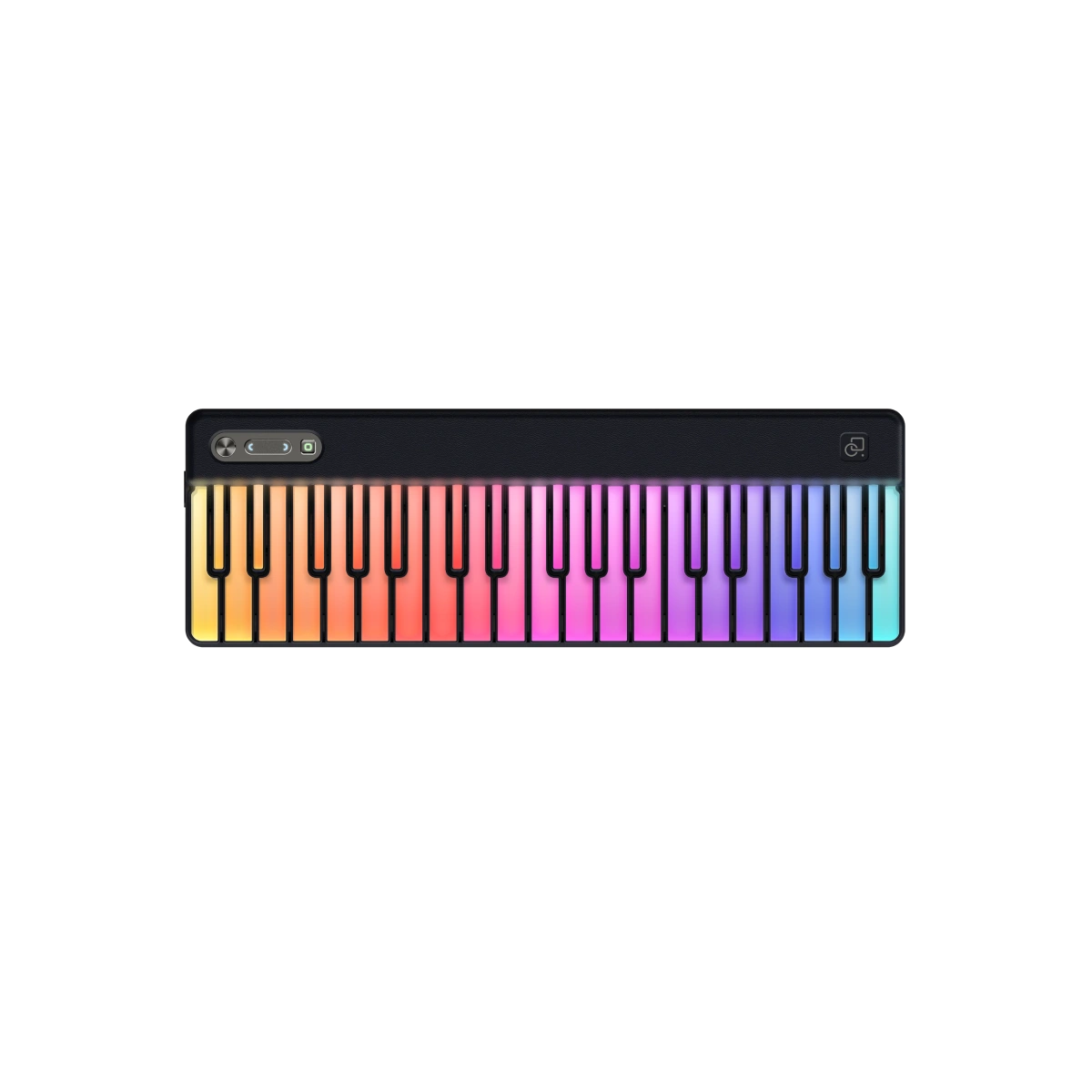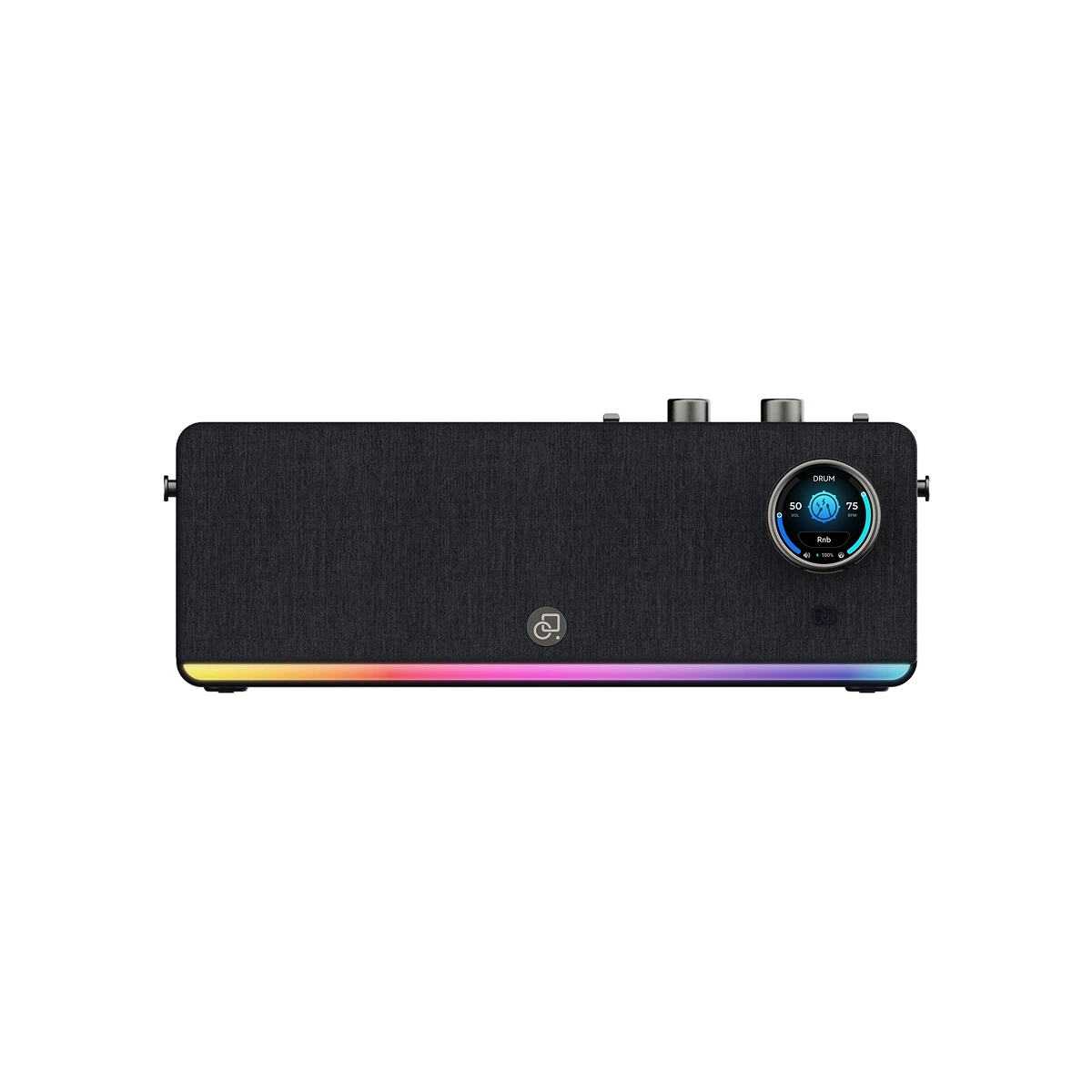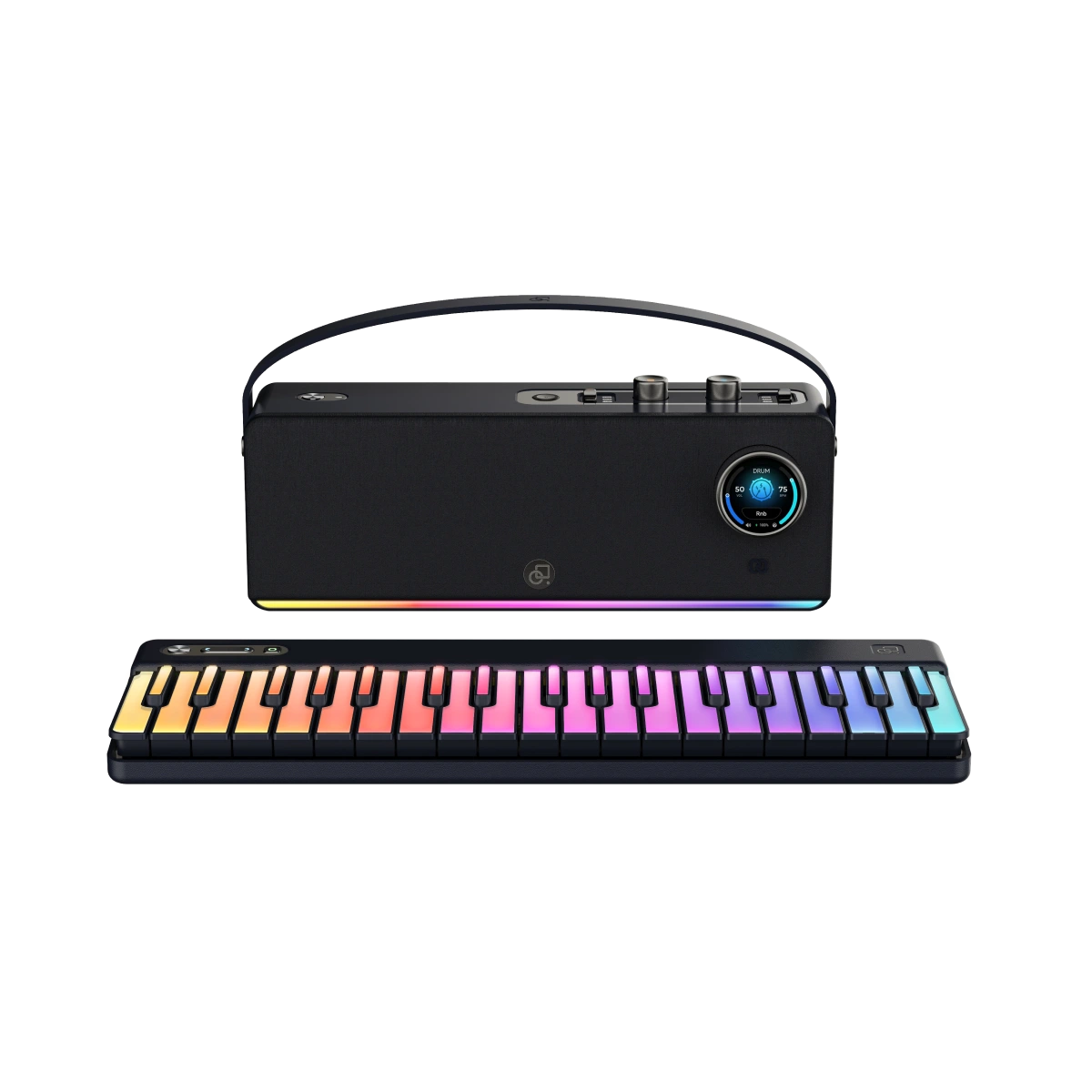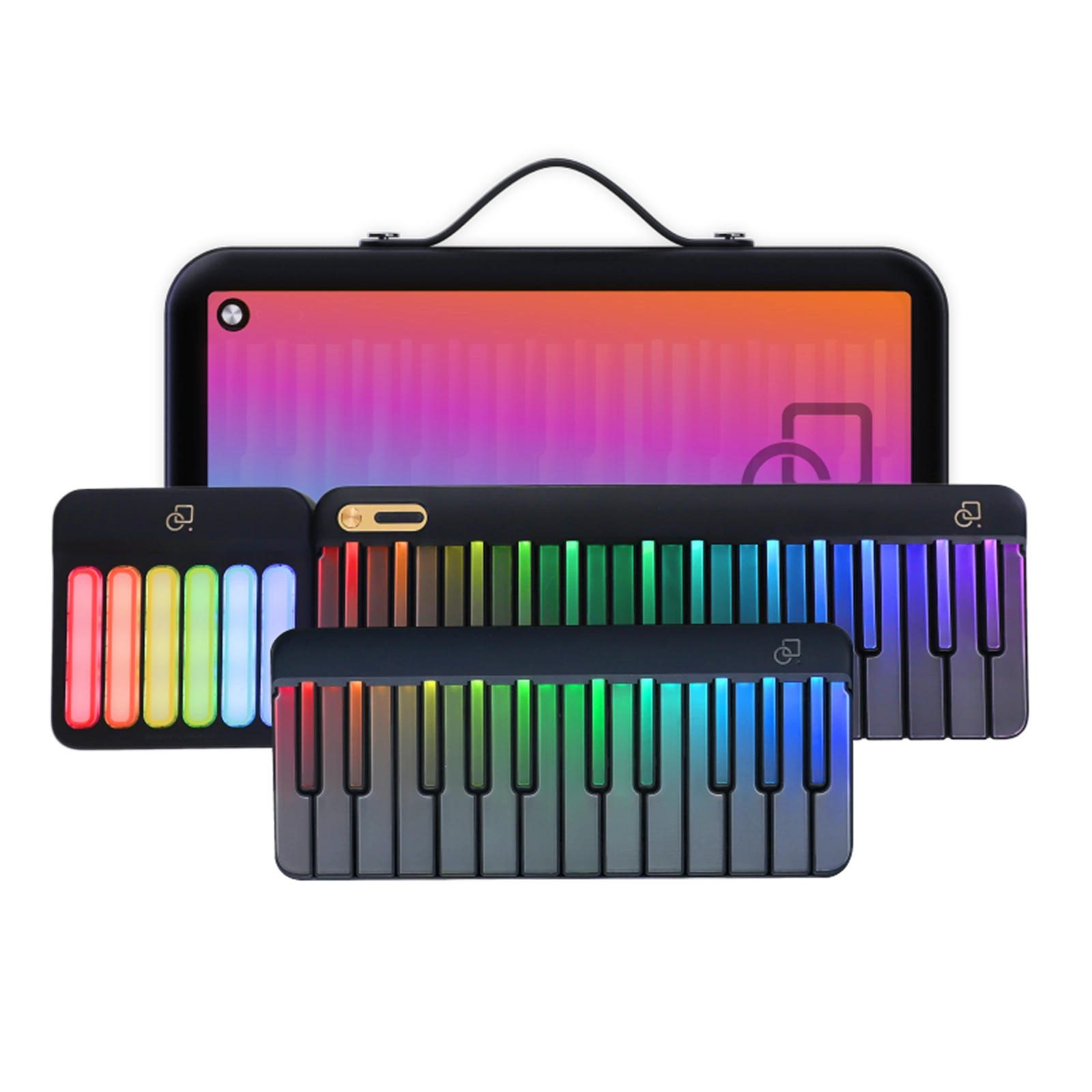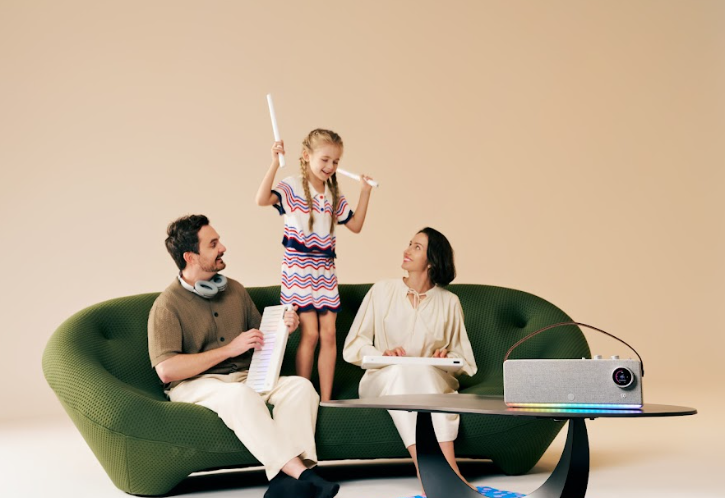
The best gift for a child is one that teaches and inspires. For kids between ages 6 and 12, a music keyboard can unlock creativity, focus, and joy—all while making learning feel like play. But not every keyboard is built the same.
In this 2026 guide, we’ll help you find the best keyboard gift for kids—from smart light-up pianos with built-in lessons to portable beginner keyboards that grow with your child’s skills.
We’ll compare five popular models (including ours), discuss what features actually matter for young learners, and explain how interactive games, apps, and light-up keys can keep kids excited about daily practice.

Music isn’t just an art—it’s brain training disguised as fun. Studies show that piano practice builds memory, coordination, and confidence, while also helping kids focus better in school. But for children between 6 and 12, the key (pun intended) is to make practice fun, visual, and rewarding.
That’s why light-up keyboards and interactive apps have exploded in popularity—they blend gaming with learning. Kids can follow glowing notes, complete challenges, and hear real songs come to life, all while developing real musical skills.

When choosing the best music keyboard for a child, skip the marketing fluff and focus on these five essentials:
|
Keyboard |
Key Count |
Special Features |
Advantages |
Limitations |
Ideal For |
|
PartyKeys Smart Keyboard |
29–53 modular |
LED follow-lights, app games, Bluetooth MIDI |
Compact, guided lessons, expandable keys |
Not full 88-key size |
Creative learners who love tech + music |
|
Casio SA-81 Mini Keyboard |
44 |
Built-in songs and rhythms |
Lightweight and durable |
No app or LED guidance |
Younger kids (6–8) just exploring sounds |
|
Yamaha PSR-F52 |
61 |
Global voices & rhythms |
Classic sound and reliability |
Limited learning features |
Families wanting a traditional keyboard |
|
The ONE Smart Piano Lite |
61 |
Light-up keys + learning app |
Clear LED guidance |
Bulky and higher price point |
Kids serious about structured practice |
|
RockJam RJ461 |
61 |
200 tones, mic input |
Great starter value |
Basic sound quality |
Budget-conscious parents, first-time buyers |
Verdict:
For homeschool or playful at-home learning, PartyKeys Smart Keyboard strikes the best balance—compact, intelligent, and modular. It grows with your child and turns lessons into interactive games that hold their attention.
Unlike plain digital keyboards, PartyKeys’s light-up design and app-driven lessons turn piano practice into a game. Kids can follow LED-guided notes, earn points, and explore sounds from piano to drums. It’s built to help children learn independently without constant supervision.

A child’s first success matters. Light-up keyboards provide instant feedback—kids press the glowing key, hear the sound, and see the reward. That sensory connection between sight, touch, and sound reinforces learning far faster than written notation alone.
After just a few sessions, children can:
PartyKeys LED guidance even integrates game-style scores and streaks, turning piano practice into something closer to Minecraft or Roblox—only quieter and more educational.
Gamified learning keeps focus high and frustration low. The best modern keyboards now include:
PartyKeys’s smart keyboard, for example, includes interactive lessons that teach hand coordination, timing, and ear training—skills kids can later apply to real piano performance.
|
Age |
Ideal Keyboard Type |
Why It Works |
|
6–8 |
29–44 key light-up keyboard |
Smaller hands, shorter songs, fast feedback loops |
|
9–10 |
49–61 key keyboard with lessons |
Expands range and introduces both hands |
|
11–12 |
61+ keys, app connectivity, Bluetooth |
Supports full songs, composition, and recording |
Parents often find that starting with a compact smart keyboard builds confidence. As curiosity grows, kids naturally want more keys and sounds—at which point modular systems (like PartyKeys’s expansion keyboards) make upgrading effortless.
A complete set with these basics ensures your gift isn’t just exciting at first—it stays useful all year.
Some parents wonder if they should invest early in the best music keyboard for professionals. For kids 6–12, that’s usually unnecessary. Professional keyboards like Roland, Korg, or Yamaha’s workstation series are designed for stage use and adult performers—they’re heavy, complex, and often overwhelming.
The smarter move is to start with a kid-friendly smart piano that builds fundamentals. When they’re older, transitioning to a best music keyboard for professionals becomes effortless, because the confidence and ear training are already in place.
If you’re shopping for the best keyboard gift for kids, aim for instruments that merge music and play—where every practice feels like a mini-game, not homework. Light-up keys, app guidance, and gentle progression keep enthusiasm alive through every level.
Yes. Many smart keyboards have onboard games and light-up guidance, allowing children to learn and play even without connecting to a tablet or smartphone.
Absolutely. LED guidance works for any hand, and children can practice left-hand melodies, chords, or two-hand patterns with the same visual cues.
Yes. Many models include rhythm games, metronome functions, and “wait-for-note” modes that train kids to play in time and develop steady tempo skills.
Yes. Modular keyboards or those with user profiles allow multiple children to save progress, track scores, and take turns without losing previous data.
With proper care, compact smart keyboards can last several years. Modular designs allow expansions, so kids don’t outgrow the instrument too quickly.
Not strictly, but they are highly recommended. Headphones allow quiet practice, protect family peace, and let kids focus on details like timing and dynamics.
No. Many keyboards, including PartyKeys, come with built-in games, songs, and lessons. Optional subscriptions simply unlock additional content for extended learning.
Yes. MIDI-compatible keyboards allow recording through apps or DAWs, so children can compose, playback, and share their music as they improve.
Look for rounded edges, non-slip feet, durable casing, and low-voltage power to ensure safe, accident-free use for children.
Read more
Best Gifts for Adult Piano Beginners Under $500 (2026 Guide)
Buying a piano gift for an adult beginner is an act of encouragement. Whether it’s for a friend starting lessons, a partner rekindling an old hobby, or yourself beginning a long-delayed dream, the ...
Stocking Stuffers for Piano Learners: 15 Under‑$50 Ideas
The holidays are the perfect time to celebrate music—and piano players are some of the easiest people to shop for. Whether you’re buying for a young learner, a seasoned pianist, or a friend who’s j...