

If you’re stepping into the world of music production or live performance, chances are you’ve come across the term MIDI keyboard. But what exactly is it, how does it work, and why is it essential for modern musicians? This guide will take you from the basics to advanced insights, showing how a MIDI keyboard can transform your music setup, whether at home, in the studio, or on stage.
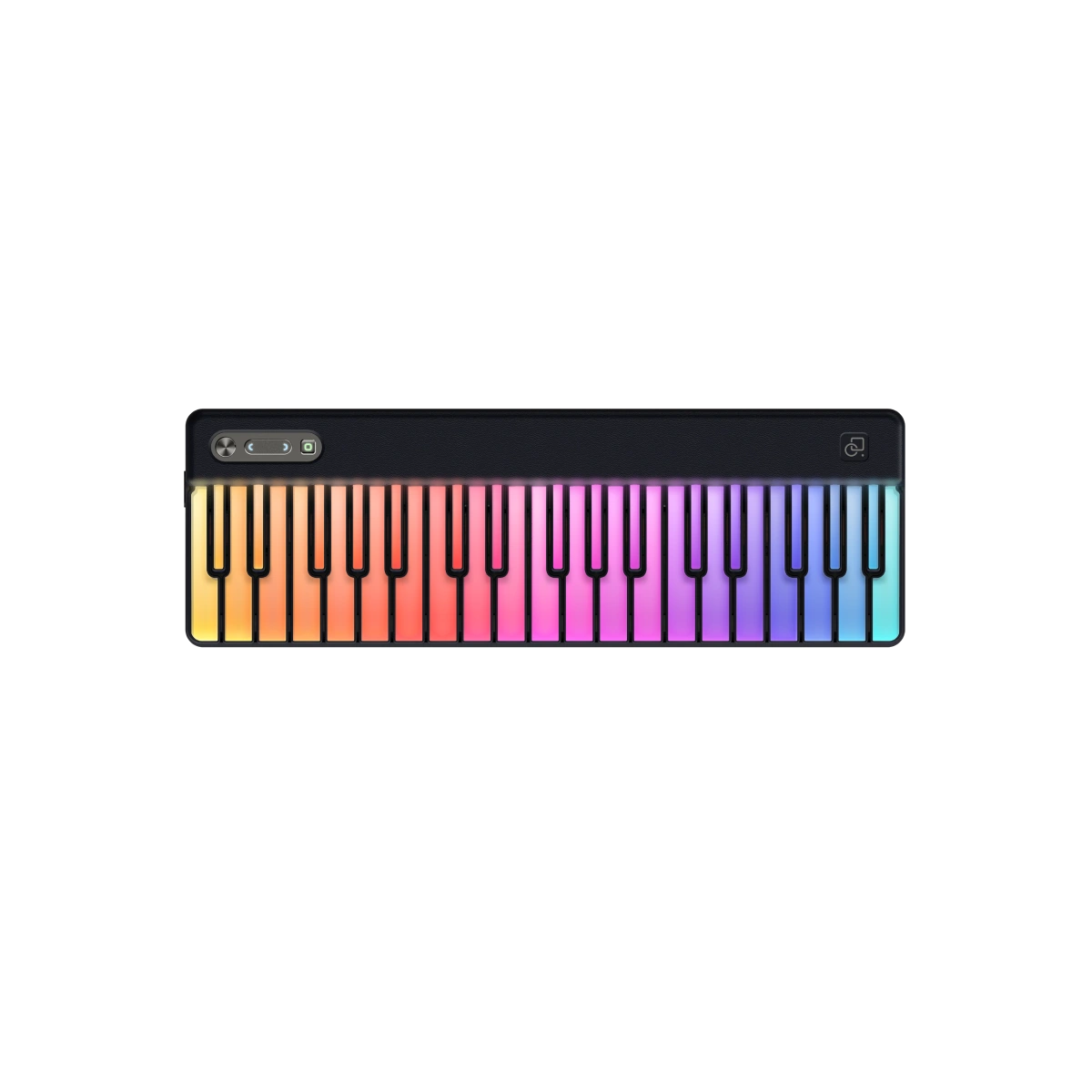
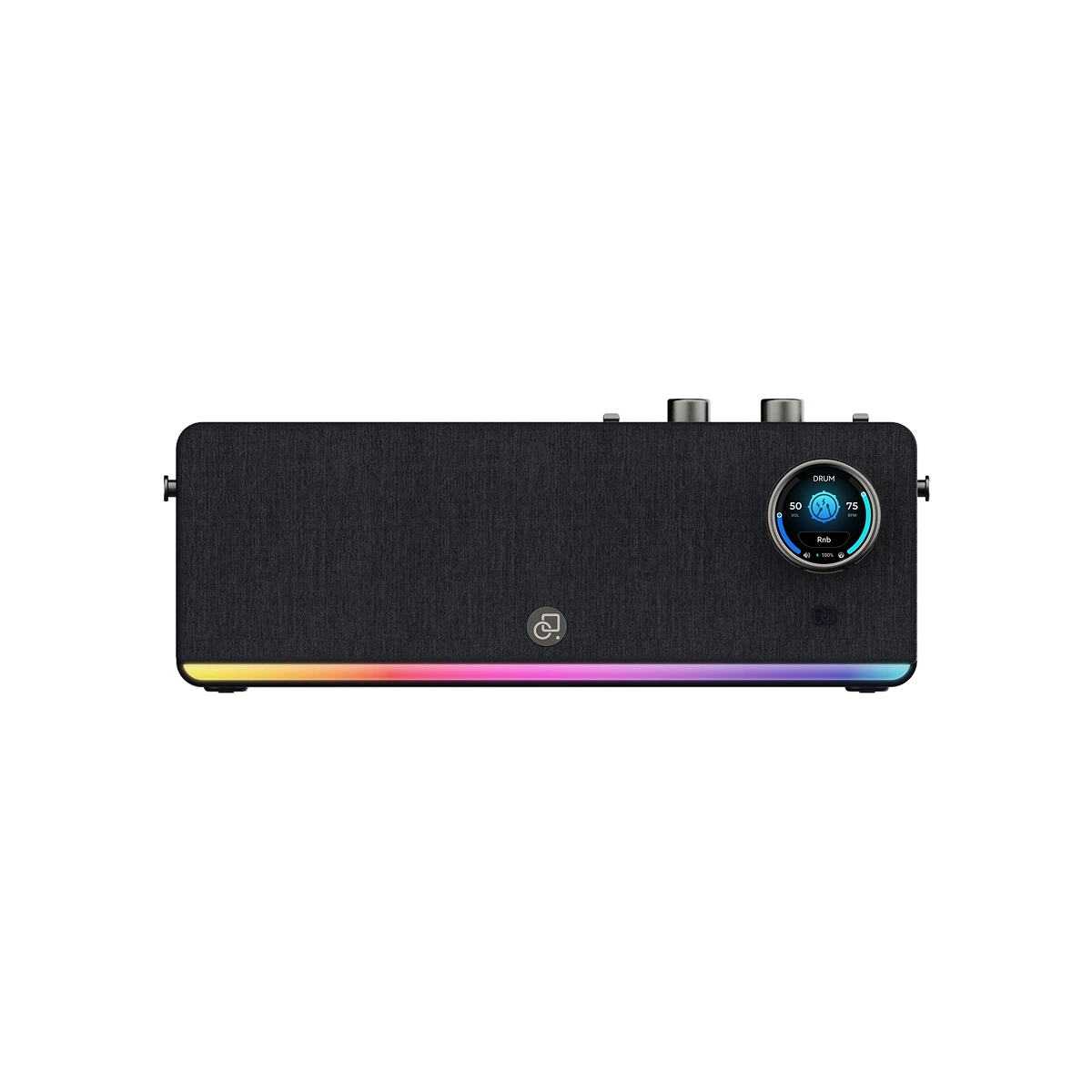
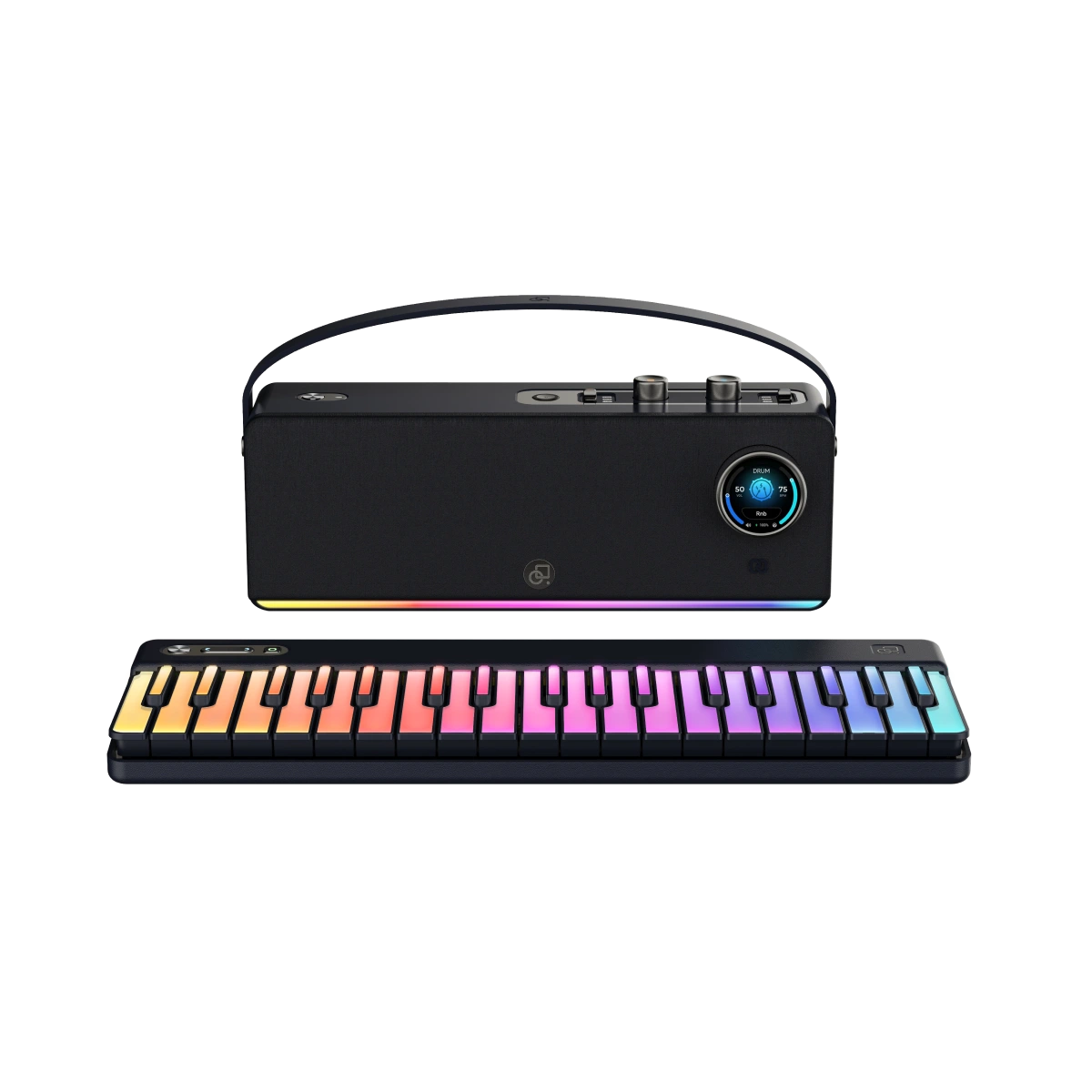
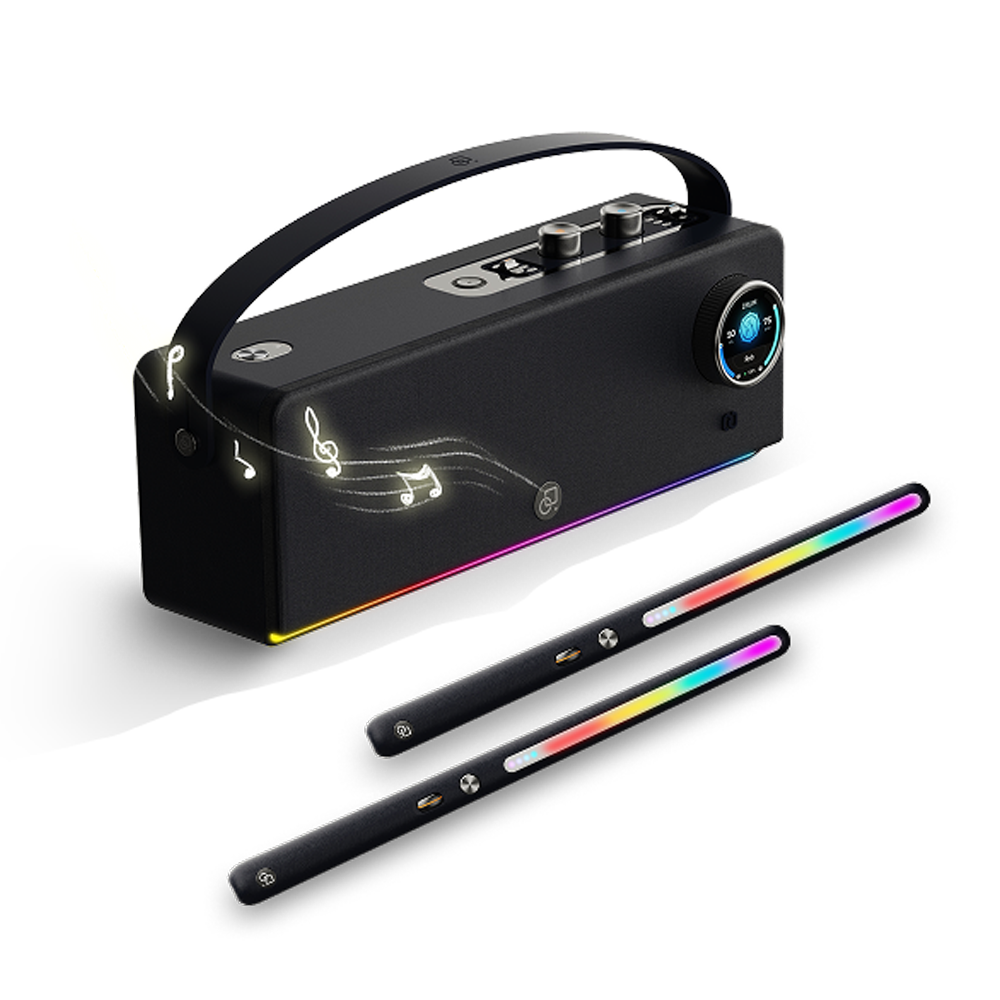
We’ll also explore how devices like the PartyKeys 36-Key Light-Guided MIDI Keyboard and PartyStudio Wireless MIDI Synth Speaker make creating music easier and more enjoyable.
MIDI stands for Musical Instrument Digital Interface. It is a technical standard that allows electronic instruments, computers, and other music gear to communicate. Unlike audio recordings, MIDI doesn’t carry sound directly. Instead, it sends digital signals representing musical information like:
Note pitch and duration
Velocity (how hard a key is pressed)
Control changes (volume, modulation, expression)
Aftertouch (pressure applied after pressing a key)
MIDI has become a cornerstone of modern music production, allowing artists to create, edit, and perform music using a variety of digital instruments.

A MIDI keyboard is a type of keyboard controller that generates MIDI signals instead of producing sound on its own. These signals can control virtual instruments, synthesizers, drum machines, and music software (DAWs) like Logic Pro, Ableton Live, GarageBand, and Cubase.
In simpler terms:
It is a keyboard you can use to control digital instruments.
It does not have built-in speakers (though some advanced models like PartyStudio do).
The sounds you hear come from a connected computer, tablet, or speaker.
The PartyKeys keyboard is an example of a beginner-friendly MIDI keyboard with light-guided keys, modular expansion, and both wireless and wired connectivity.
When you press a key on a MIDI keyboard, it sends a digital signal that tells your connected device:
Which note to play
How hard the key is pressed (velocity)
Duration of the note
A connected sound engine, virtual instrument, or synth generates the sound.
Key Components of a MIDI Keyboard:
|
Component |
Function |
|
Keys |
Play notes, often with velocity sensitivity |
|
MIDI Output |
Sends digital signal to a connected device |
|
Controls (Knobs/Sliders) |
Adjust volume, pitch, modulation, or effects |
|
Aftertouch |
Detects pressure after key is pressed for expression |
|
Connectivity |
USB, Bluetooth, or traditional MIDI ports |
|
Feature |
MIDI Keyboard |
Traditional Keyboard/Piano |
|
Sound Production |
No built-in sounds (exceptions exist) |
Built-in sounds |
|
Connectivity |
MIDI, USB, Bluetooth |
Audio only |
|
Portability |
Light and compact |
Often heavier, less portable |
|
Integration with Software |
High – DAWs, synths, virtual instruments |
Limited |
|
Customization |
Full sound and control customization |
Fixed sounds |

A MIDI controller keyboard is another term for a MIDI keyboard. Some important points:
It controls other instruments, not itself.
Comes in different sizes (36 keys, 49 keys, 61 keys, etc.).
Can include additional controls like pads, knobs, and faders.
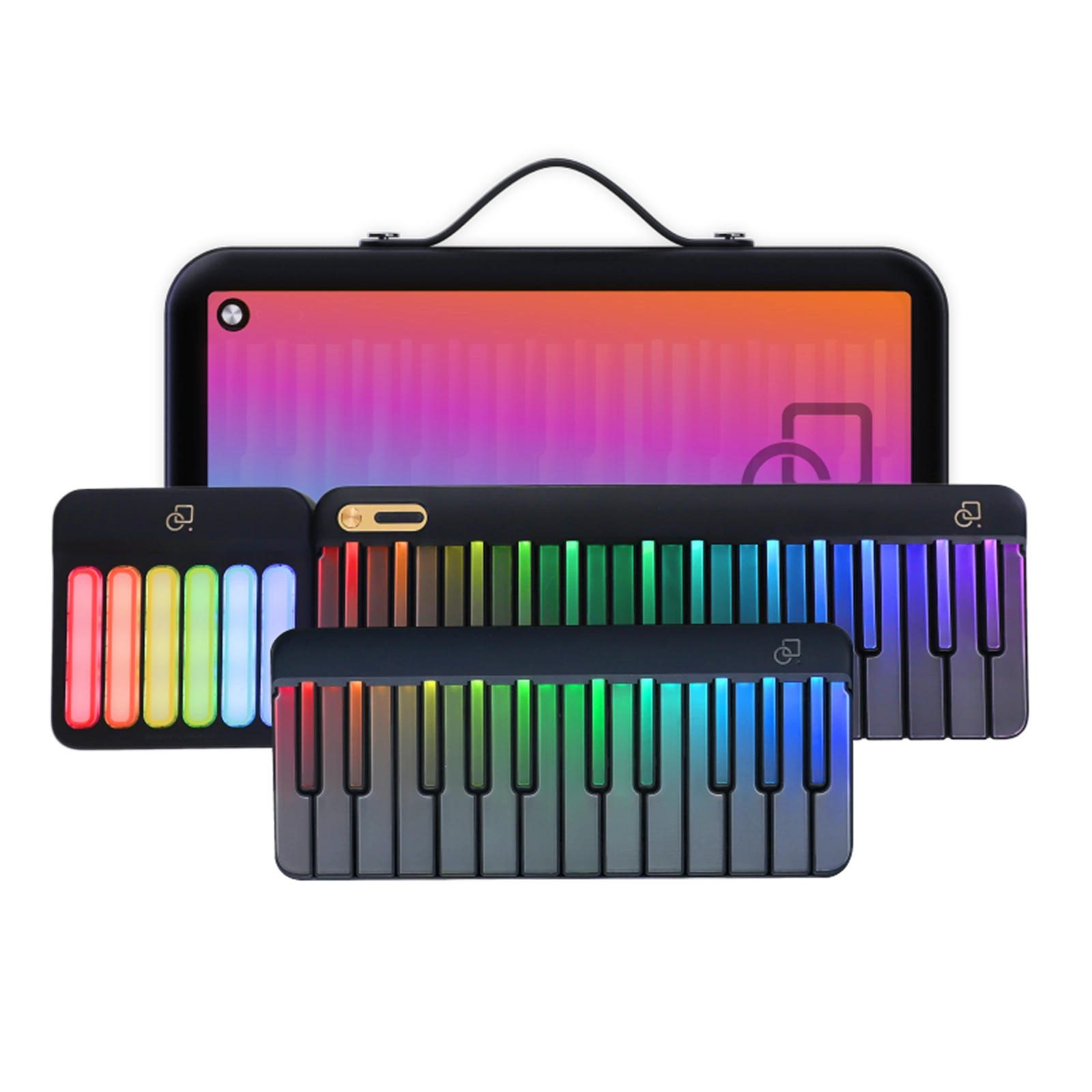
PartyKeys 36-Key Light-Guided MIDI Keyboard is a modular MIDI controller. It starts with 36 keys and can expand to 108 keys by connecting additional units.
Aftertouch is an expressive feature found on many MIDI keyboards:
Detects pressure applied after a key is pressed.
Allows modulation of sound, like vibrato or volume swells.
Adds more expressive capabilities to your performance.
Example: Pressing a key harder after the initial strike can make a note louder or apply a synth effect.
MIDI keyboards are versatile and widely used in music production, performance, and education. Key uses include:
Music Composition: Play virtual instruments in DAWs.
Live Performance: Trigger sounds, loops, and samples on stage.
Sound Design: Create custom tones and synth patches.
Learning Tool: Light-guided keyboards teach beginners to play.
Recording: Capture MIDI data to edit notes, velocity, and timing.

Portability: Lightweight, easy to carry for live sessions.
Customizable Sounds: Control hundreds of virtual instruments.
Flexible Integration: Works with computers, tablets, and hardware synths.
Expressive Performance: Velocity, aftertouch, modulation for dynamic playing.
Expandable: Modular designs allow growth as skills improve.
When choosing a MIDI keyboard, consider:
Number of keys (36, 49, 61, 88)
Velocity-sensitive keys for expressive playing
Aftertouch for advanced performance
Connectivity options: USB, Bluetooth, NFC
Light-guided keys for learning beginners
Portability and battery life if wireless
Compatibility with your DAW and software
The PartyKeys 36-Key Light-Guided MIDI Keyboard is designed for both beginners and advanced users:
Modular design: Expand from 36 to 108 keys
Light-guided play: Learn notes and patterns quickly
Wireless & wired connectivity: Bluetooth MIDI, USB-C, NFC tap-to-pair
Hands-on control: Octave buttons and function keys above the keys
Built-in lighting modes: 6 dynamic modes + 14 keyboard styles
Free app tools: Practice, play, and customize without subscription
Portable: Up to 6 hours of playtime
A MIDI keyboard becomes even more powerful when paired with a PartyStudio:
Built-in sound engine: No laptop needed
128 instrument tones: Piano, synths, guitars, and more
Integrated drum machine: 50+ rhythms with BPM control
Wireless MIDI: Up to 10m range, ultra-low 16ms latency
Connect up to 4 MIDI devices for flexible setups
70W output: Room-filling, clean sound
Bluetooth audio streaming: Play along with songs from your phone
Portable: 8-hour battery, fast PD charging
Together, the PartyKeys + PartyStudio setup allows instant jam sessions anywhere, whether at home, studio, or live performances.

Wireless MIDI: Tap-to-pair using NFC or Bluetooth
Wired MIDI: Connect via USB-C to your computer or DAW
Play sounds: Either through PartyStudio or software instruments
Adjust controls: Use octave buttons, knobs, or light modes for customization
Expand setup: Connect additional PartyKeys units for full 108-key range
Start with light-guided keys to build confidence
Experiment with different instruments and sounds
Use a drum machine to practice rhythm
Record your MIDI sessions for review
Connect to a portable speaker like PartyStudio to play without a computer
DAW Integration: Compose complex arrangements using Logic Pro, Ableton Live, or GarageBand
Live Performance Setup: Trigger backing tracks, loops, and samples
Sound Design: Map controls to synth parameters for expressive modulation
Collaborative Jamming: Connect multiple MIDI devices via PartyStudio for ensemble play
A MIDI keyboard is much more than a digital piano. It is a gateway to music production, learning, and performance, offering flexibility, customization, and expressive control. With devices like PartyKeys 36-Key Light-Guided MIDI Keyboard and PartyStudio Wireless MIDI Synth Speaker, anyone can start creating music instantly, without the need for complicated setups or laptops.
Whether you’re a beginner wanting to learn piano or a professional producer building complex compositions, understanding what a MIDI keyboard is and its possibilities will expand your musical creativity.
A MIDI keyboard is used to control digital instruments, compose music, trigger sounds, and perform live without producing sound directly.
It’s another name for a MIDI keyboard that controls external devices like virtual instruments or synthesizers.
Aftertouch detects pressure applied to a key after it is pressed, allowing dynamic effects like vibrato or volume changes.
Yes, with a device like PartyStudio, your MIDI keyboard can produce sound without a computer.
They vary from 25 keys for compact setups to 88 keys for full-range instruments. PartyKeys starts at 36 keys and expands to 108.
You can use it with DAWs like Logic Pro, GarageBand, Ableton Live, or with built-in sound engines like PartyStudio.
MIDI is a digital protocol that sends musical information (notes, velocity, control changes) from the keyboard to instruments or software.
Yes, PartyStudio supports up to 4 devices simultaneously for jam sessions or complex setups.
Most are lightweight. PartyKeys offers up to 6 hours of battery life, while PartyStudio provides 8 hours for wireless play.
Leave a comment
All comments are moderated before being published.
This site is protected by hCaptcha and the hCaptcha Privacy Policy and Terms of Service apply.